This blog is a part 2 version of my previous blog Automate AVD Hybrid. It is not necessary to read the previous blog first. This one can be read and used by itself.
Initially, I wanted to add this part to the first blog but that one was already like 1300 words so I created a second part.
This part is about truly automating the whole process front to end. We use Terraform to do this. The creation of the vm, installing Windows automatically, and lastly installing the extensions to make it a AVD Hybrid machine.
Preparation
I created a separate GitHub repository for this post containing the PowerShell scripts, answer file, and the Terraform module you need to create the VM and joining it to an AVD hybrid hostpool. You can find it here.
The repository holds a readme which tells you how to setup your Hyper V host, and how to create your installation media. It also shows you how to run the Terraform module but I show you that in this blog also.
I had some challenges. The terraform module isn’t capable of everything. For example, you can’t set the hostname or add a TPM. In addition, the terraform module also doesn’t detect when the machine has finished OOBE and it doesn’t have VM extension like in Microsoft Azure.
As a result, I used PowerShell scripts that installs the TPM, detects when OOBE finishes, and then uses a PowerShell script to install the ARC and AVD hybrid agents. That’s the same script as the previous blog. But, detecting when OOBE completely finishes took a lot of time.
NOTE: This doesn’t contain the Entra or Active Directory Domain Join. You must add that yourself somewhere along the way. As stated in the previous blog, you could use a bulk enrollment token to be included in the ISO to do the Entra Join.
Lastly, let’s show the result!
Demo Automate AVD Hybrid part 2
As the GitHub repository also states, this is the code to use when deploying the VM:
$guestPassword = Read-Host -Prompt "Enter the guest OS password for the VM's Administrator account"
$hypervPassword = Read-Host -Prompt "Enter the Hyper-V host password for the Administrator account"

$accessToken = "<string>"
$accountObjectId = "<string>"
$hostPoolResourceGroupName = "<string>"
$hostPoolName = "<string>"
$hypervUser = "<string>"
$hypervHost = "<string>"
$hypervSwitch = "<string>"
$location = "<string>"
$subscriptionId = "<string>"
$tenantId = "<string>"
$vmName = "<string>"
$vmIsoPath = "<string>"
$vmGuestUser = "<string>"

terraform apply `
  -var hypervuser="$hypervUser" `
  -var guestpassword="$guestPassword" `
  -var hypervpassword="$hypervPassword" `
  -var hypervswitch="$hypervSwitch" `
  -var vmname="$vmName" `
  -var vmisopath="$vmIsoPath" `
  -var hypervhost="$hypervHost" `
  -var guestuser="$vmGuestUser" `
  -var accesstoken="$accessToken" `
  -var accountid="$accountObjectId" `
  -var tenantid="$tenantId" `
  -var subscriptionid="$subscriptionId" `
  -var hostpoolresourcegroupname="$hostPoolResourceGroupName" `
  -var hostpoolname="$hostPoolName" `
  -var location="$location" `
  --auto-approve
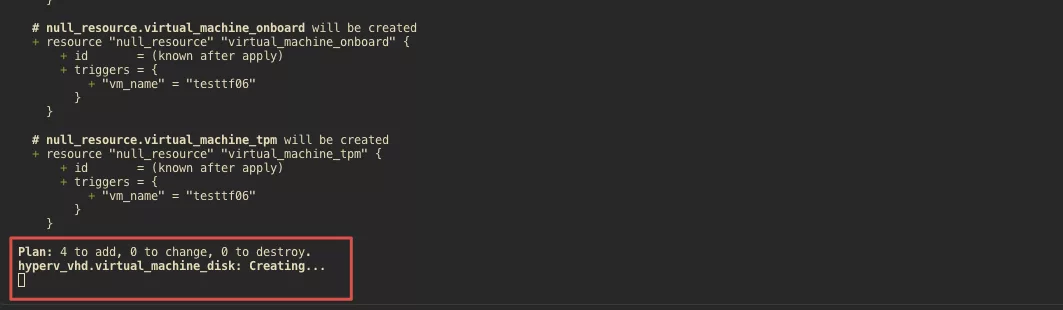
Next, you see the terraform module starting to create the disk:
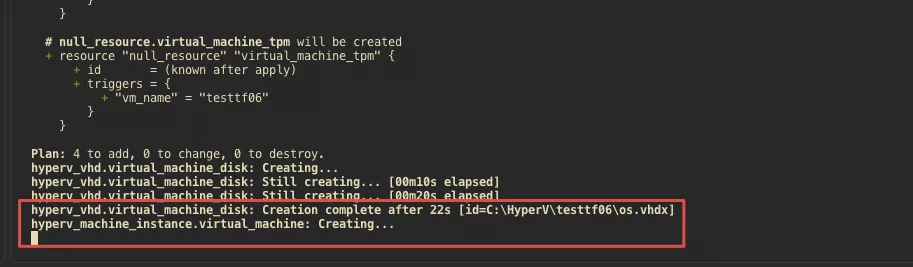
After that, the VM itself get’s created:
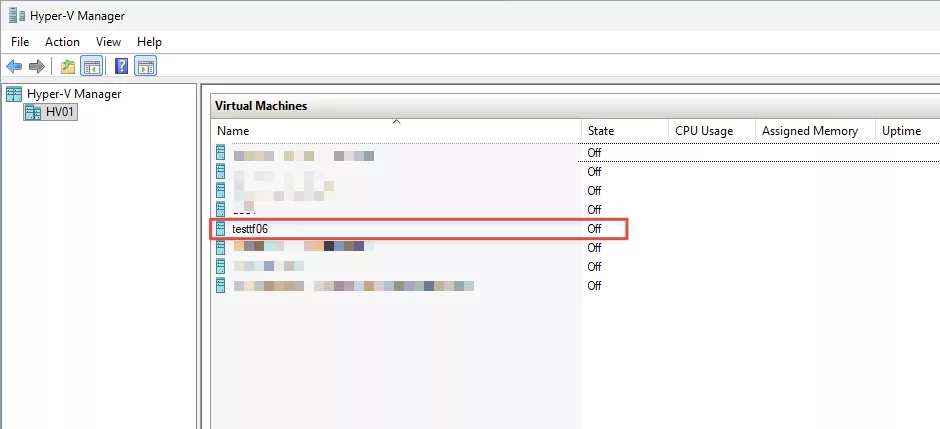
In Hyper V you see it also:
It takes about 2 minutes to create the VM. Then the PowerShell script customization starts. Firstly, it adds the TPM to the machine so Windows 11 may be installed:

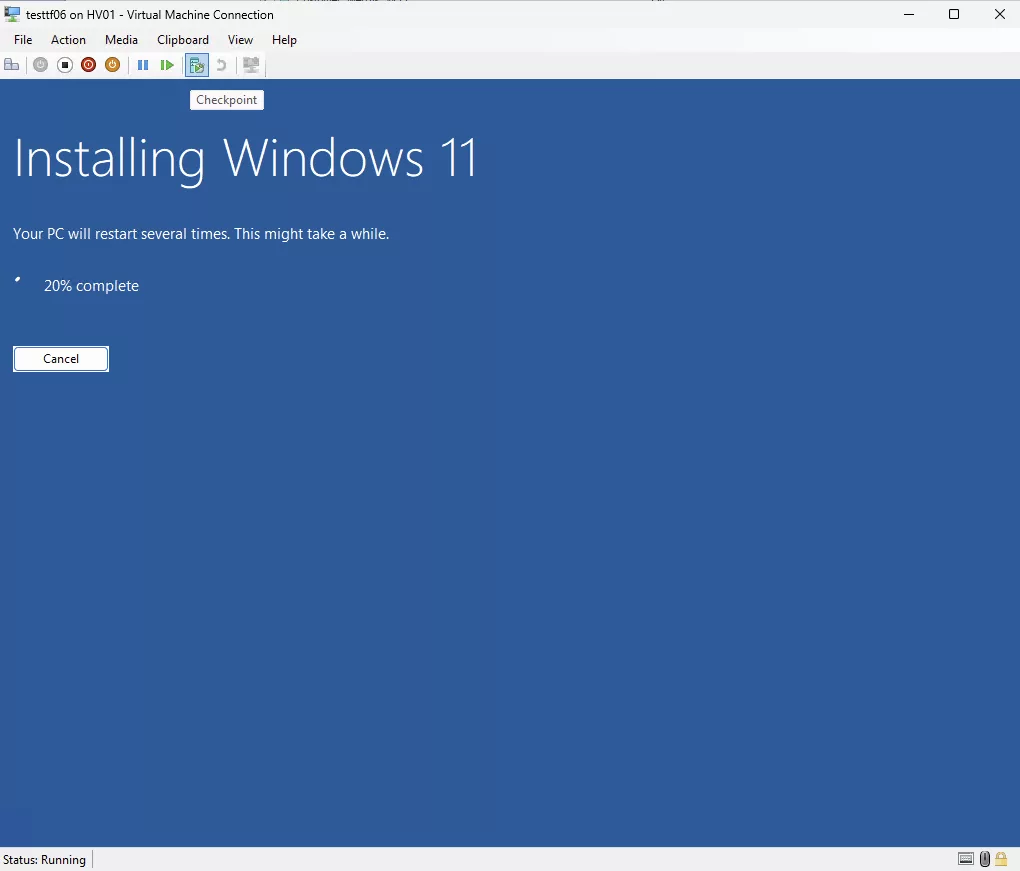
We use auto unattended. So, the Windows 11 install starts immediately:
After that, it uploads the script file to the Hyper V host.

Next, it’s starting to wait for OOBE to finish:

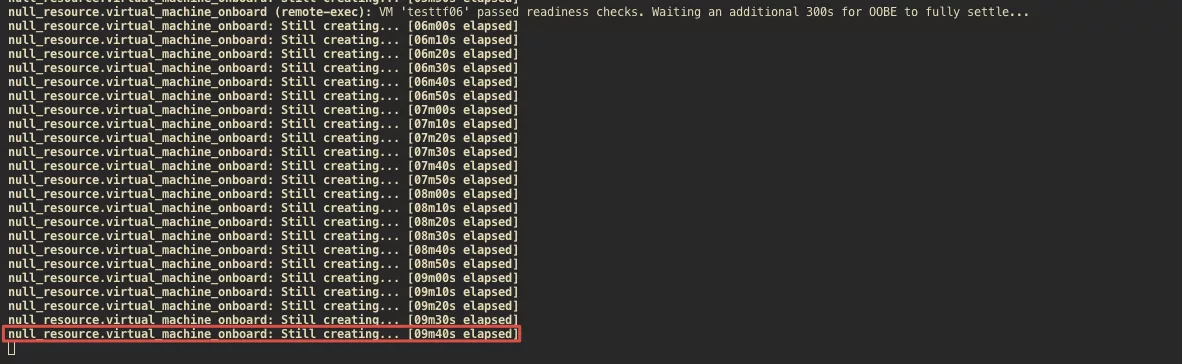
OOBE finishes but I added an additional wait to make OOBE is actually finished.

Because this is the state that the VM is actually is in:
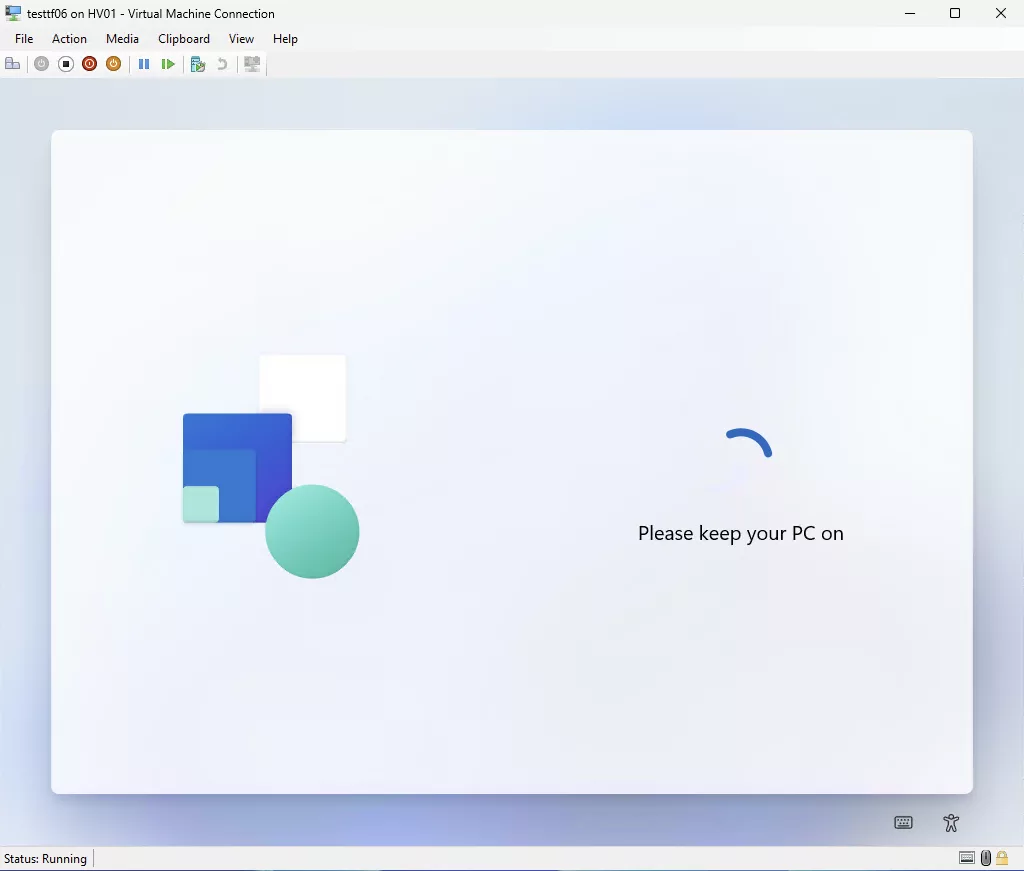
After 9 minutes:
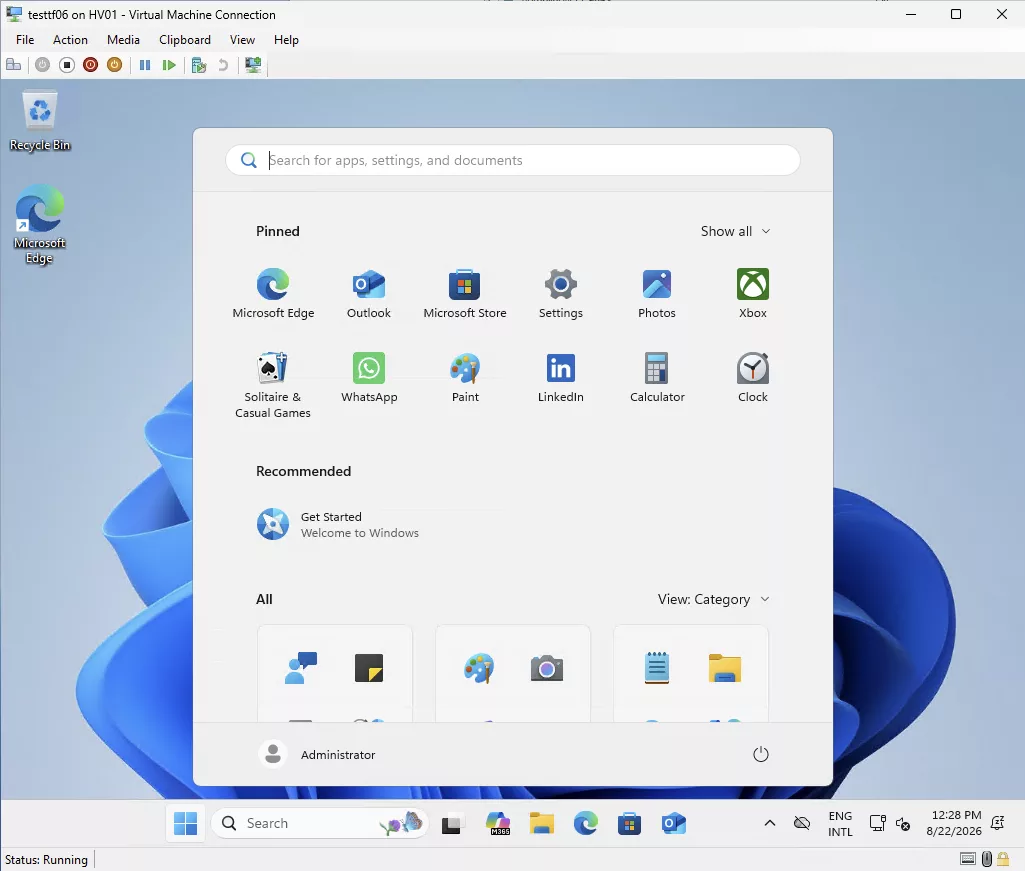
The machine is automatically on the desktop:
It first must be renamed via a PowerShell script because the Terraform module can set the hostname. It must be the same because otherwise the ARC agent install and detect will fail:

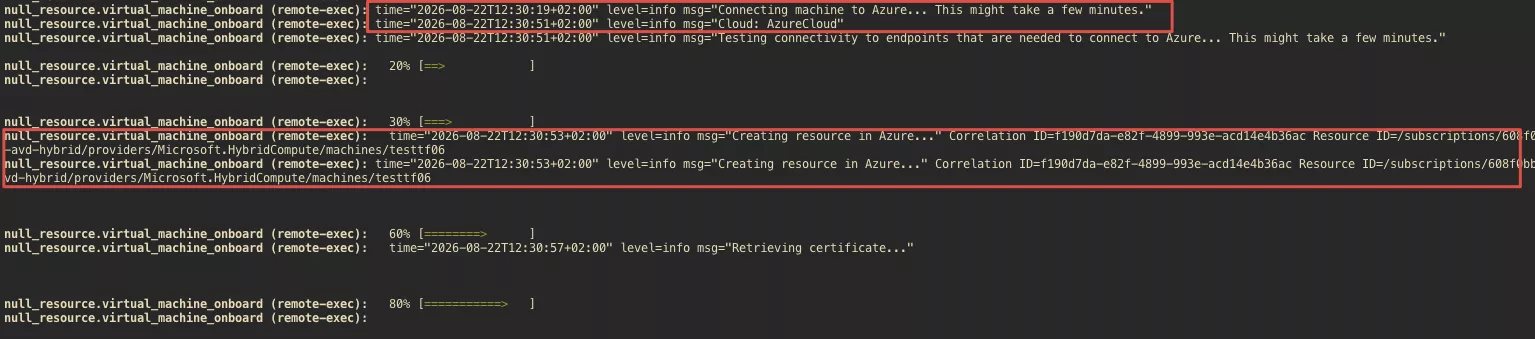
The ARC agent install starts:
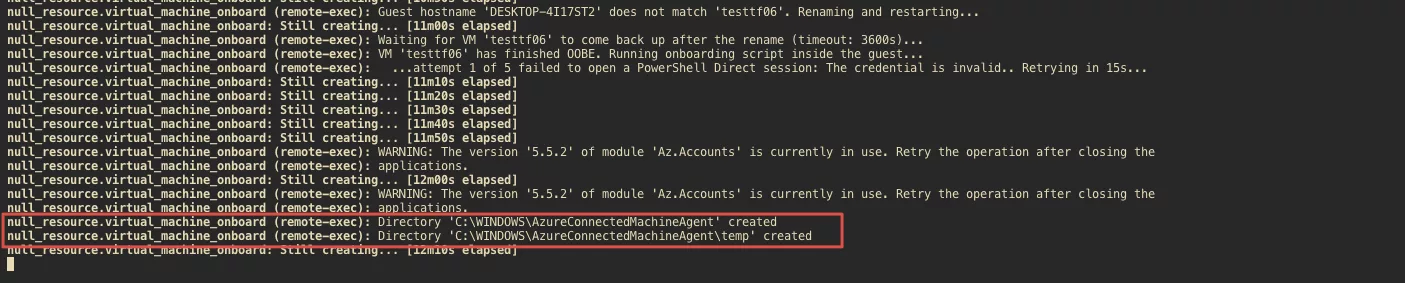
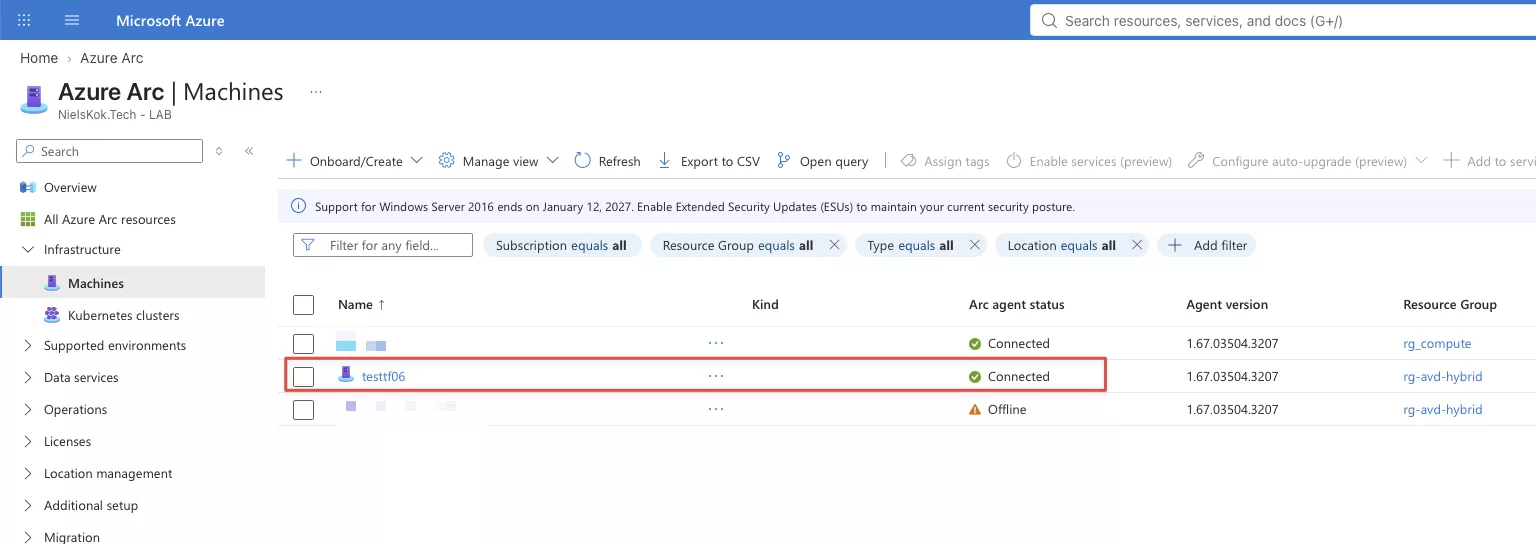
The ARC machine is available in the portal:
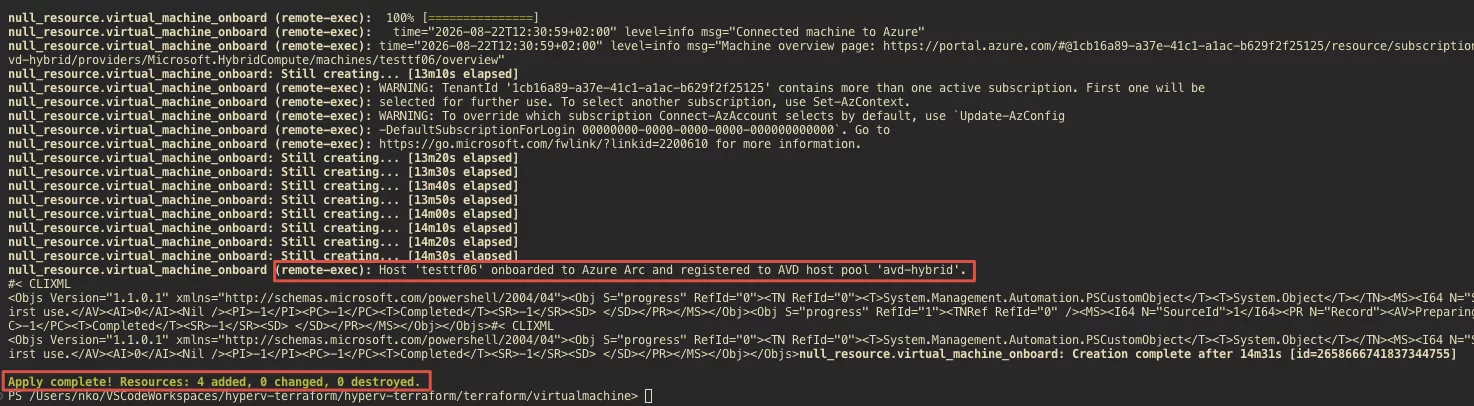
Lastly, the AVD agent install starts:
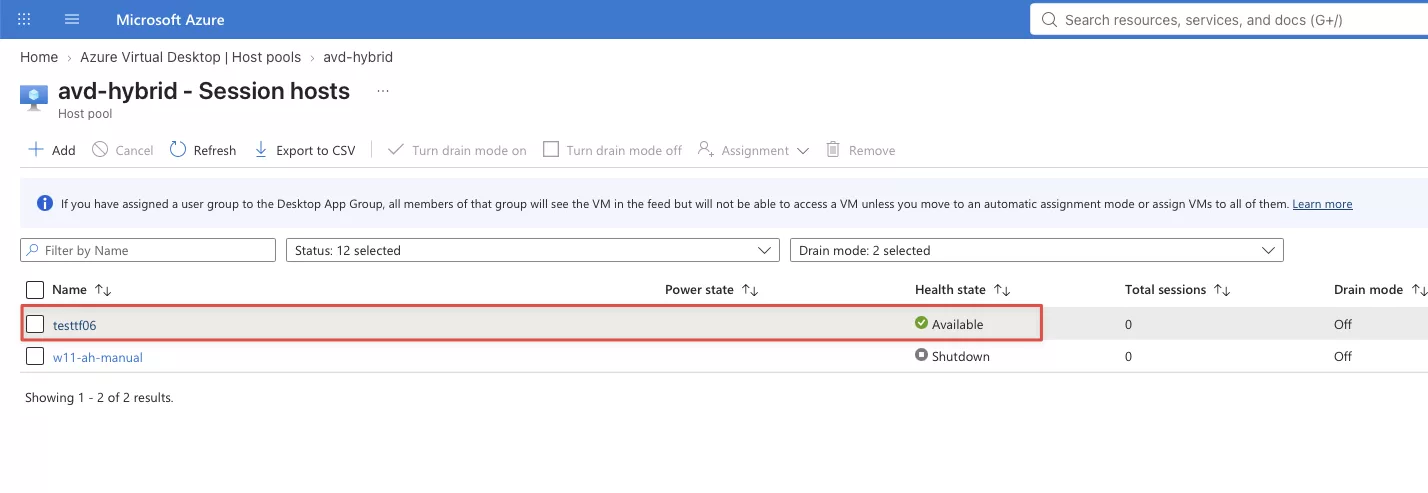
And we have a machine ready to go in the portal:
And that’s how you can use Terraform And PowerShell to completely automate a AVD hybrid deployment on Hyper V.